
Jotly — Sticky Notes for Any Page
Productivity ·
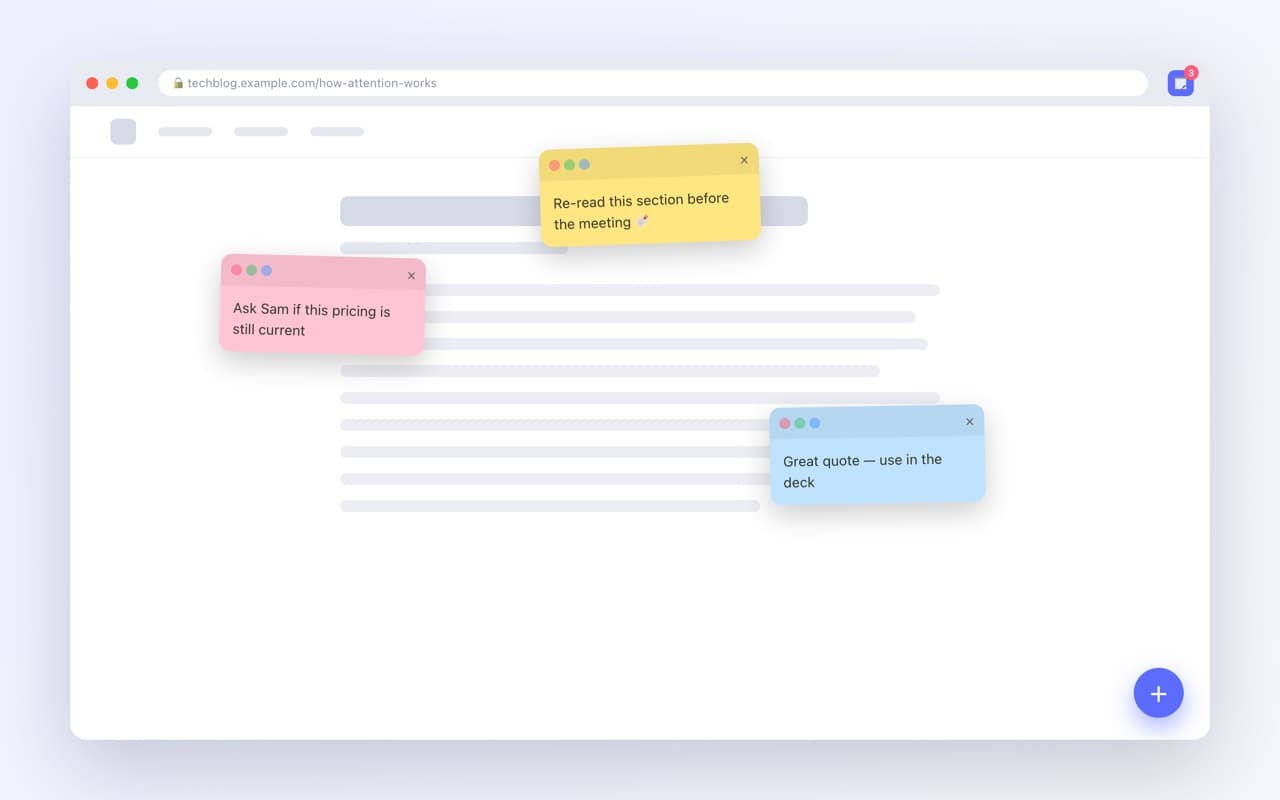
Pin sticky notes to any webpage. Notes persist per-site and reappear when you return.
- Six colours, drag and resize
- Notes come back per-site
- JSON export and import
The idea
Every browser has a bookmark bar and none of them have a margin. Jotly gives the web one: a note you leave on the page itself, sitting exactly where you put it, waiting for you the next time you open that site.
How you use it
There are three ways to start a note and none of them need the mouse to travel far.
- —Press Alt+Shift+N, click the floating plus, or right-click the page
- —Select text first to turn the selection straight into a note
- —Drag notes around, resize them, and pick from six colours
- —Alt+Shift+H hides every note on the page when you need a clean screenshot
- —The toolbar popup lists every note on the current site; Settings groups them by website
Where the notes live
In your own browser, and nowhere else. There is no account to make and no server to sign into, which also means there is no sync — so Jotly ships an export to JSON and an import on the other machine, and you move your notes yourself.