
Vaultcast — Screen Recorder
Utilities ·
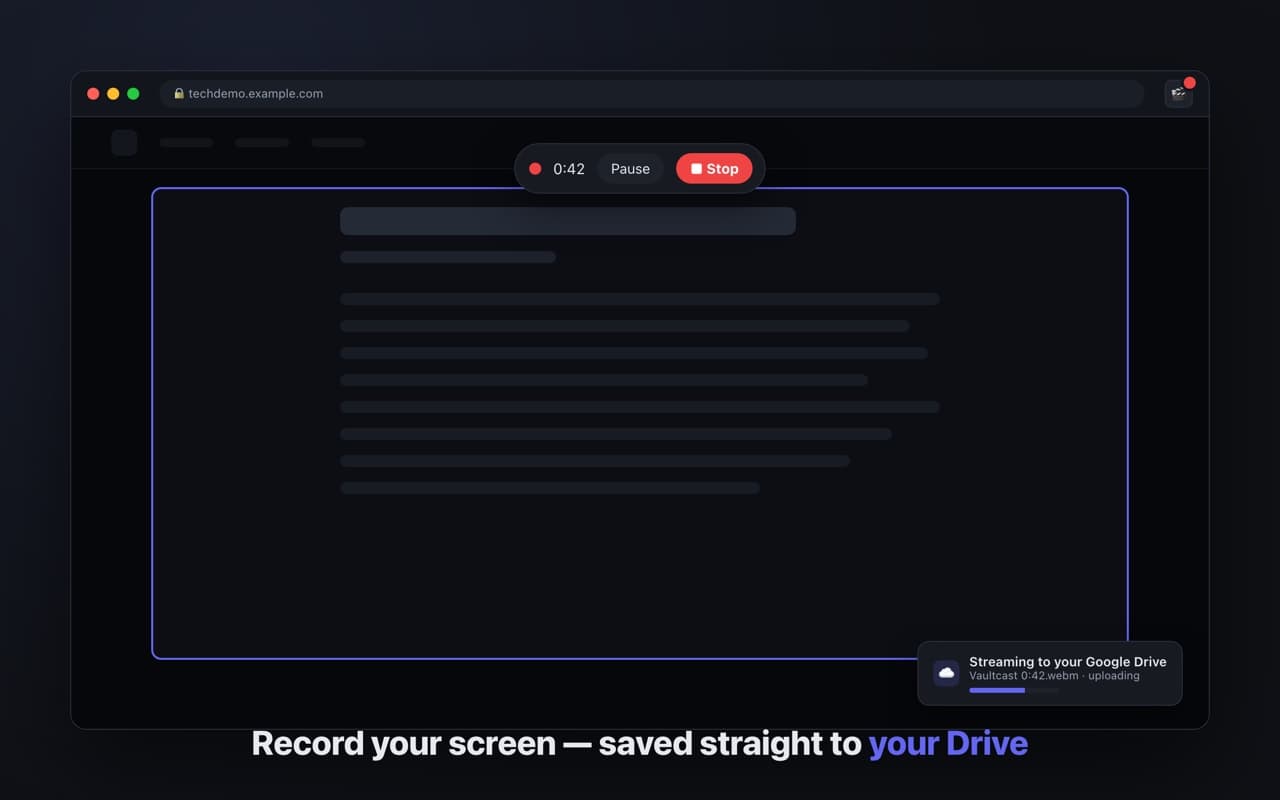
Record your screen, a window, a tab, or a region. Saves on your device instantly; optional sync to your own Google Drive.
- Four capture modes including drag-a-region
- Saves locally first, always
- Drive sync uses drive.file — your files only
The idea
Most screen recorders upload to a service you now depend on. Vaultcast writes the file to your machine the moment you stop, and treats the cloud as optional.
Four ways to capture
- —Full screen — an entire display
- —Window — one application window
- —Tab — the current tab, with its audio still audible to you
- —Region — drag a box; everything outside it dims so you can aim
- —Alt+Shift+S stops the recording from anywhere
About the Drive part
Sync is off until you click Connect, and when you do, Vaultcast asks for the drive.file scope — access to the files it creates and nothing else in your Drive. If the upload fails or you are offline, the recording is already saved locally; sync catches up later.